


Ship a feature with several agents
In this example, three agents on your own accounts build the pricing page for a launch site.
- Project
- launch-site
- Goal
- Ship the pricing page today
- Agents
- Three on your accounts, with any coding agent or API key
You choose the accounts
When you turn Miko on for the project, you tick the accounts it may use.
- Every account you have signed in to is on the list, with its own checkbox.
- You also pick the account Miko itself runs on.
- If an account is out for a long time, Miko moves the work or asks you first, as you choose.
You type the goal
Miko splits it into three tasks and starts an agent for each on the accounts you ticked.
- You write the goal in Miko mode, in your own words.
- Miko answers with a short plan, one line per task, and a card appears for each agent.
- Each card shows the account and terminal the agent works in, its task and how far it has come.

Ship the pricing page today
Let’s split it three ways. I’ll keep an eye on each one and check the results before I call it done.
- Pricing page and plan cards
- Release notes for v0.4
- End-to-end checkout tests
 Studio · T1↗Build the pricing pageDoneReady for review
 Personal · T1↗Write the release notesDoneAcceptedStudio · T2↗Test checkout
Stripe test mode or Adyen sandbox?
2 of 3 done · one needs your answer
An agent asks you
The checkout agent needs to know which payment provider to test, so it waits until you answer on your Mac or iPhone.
- When an agent needs a decision or your OK, it stops and waits in Needs you.
- You pick one of its answers on the card, or write your own.
- The other agents keep working while that one waits.
Studio · T2Launch siteOpen terminal ↗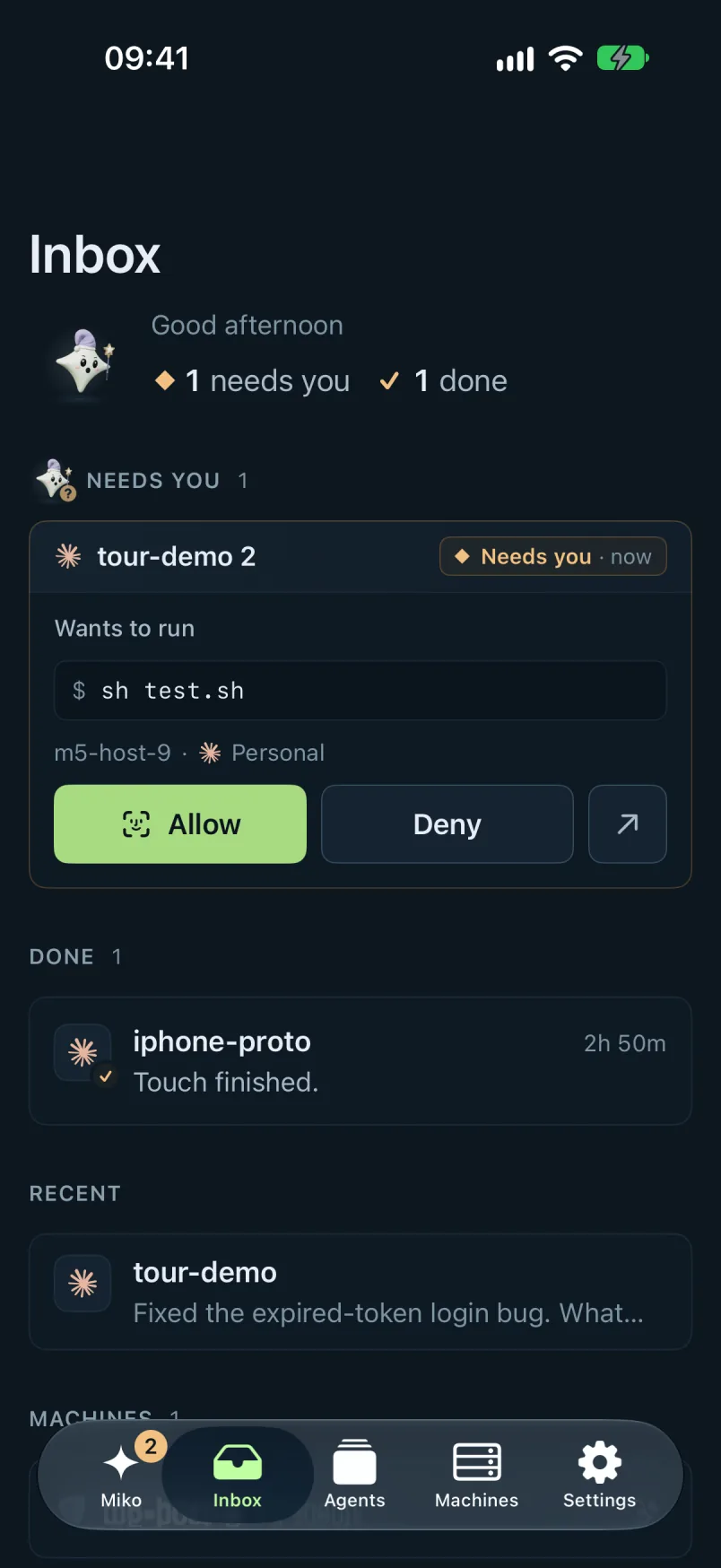
The work comes back
When the pricing page is done, one click sends it to a second agent for review.
- Each finished task comes back as a card with the agent's reply.
- Open its terminal to read the whole conversation, or type to the agent yourself.
- Hand the result to another agent to continue the work, review it or help an agent that is stuck.
StudioT1AstraxhighIdle› Pricing page from docs/pricing-notes.md
• Explored
Read docs/pricing-notes.md
Read app/(site)/layout.tsx
Search PlanCard in components/
• Edited components/PlanCard.tsx (+64 −8)
• Edited lib/pricing.ts (+31 −0)
• Ran npm run typecheck
0 errors
› Build /pricing from the notes
• Edited app/pricing/page.tsx (+112 −8)
• Ran npm test · 14 passed
StudioT2AstraxhighWorking› End-to-end checkout tests
• Explored
Read app/checkout/page.tsx
Search "provider" in src/lib/payments
• Asked which payment provider to test
Answer: Stripe test mode
• Edited tests/checkout.spec.ts (+58 −0)
› Run checkout in Stripe test mode
• Ran npx playwright test checkout
• Running 6 tests…
PersonalT1Claude CodeIdle✻ Welcome to Claude Code
cwd: ~/launch-site
> Write the v0.4 release notes
⏺ Read CHANGELOG.md
⏺ Wrote RELEASE-NOTES.md (+42)
⏺ The v0.4 notes are ready to read.
> _
I'll wave when someone needs you.
What you end up with
- The pricing page at /pricing, with plan cards and a compare table
- Checkout tests that run against Stripe test mode
- A review from a second agent with no blocking issues
- Release notes for v0.4, ready to read
Good to know
- Works with Claude Code, Codex, Cursor and every other coding agent, plus any API key.
- Every agent runs on your own account or API key.
- You can stop all agents in a project at once, or open any agent's terminal and take over.
- Agents run on your own Mac or PC, on your servers over SSH or on a machine in Miko Cloud.