Add iPhone
On your Mac or in a browser, open Settings › Devices › Add iPhone. It shows a code.
Pair the phone
Open Miko for iPhone, then scan the code or type it in.
Turn on notifications
Allow notifications for Miko on your iPhone.
Needs you and notifications on your phone, under Miko Cloud, covers answering, notifications and quiet hours.
- In the app
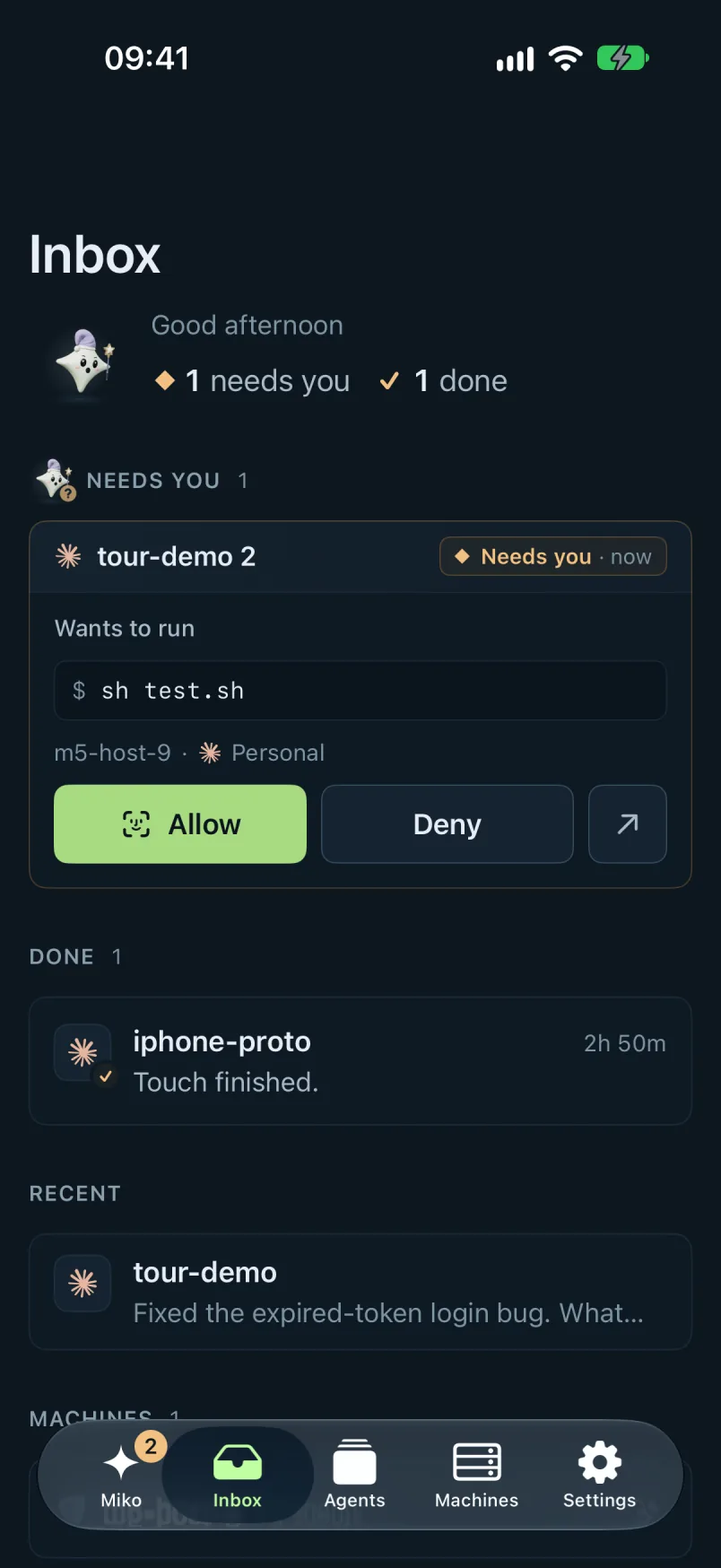
The tabs are Miko, Inbox, Agents, Machines and Settings.
Tell Miko what to do, answer what needs you with Allow or Deny, and watch an agent's live work, with its test runs and diffs.
It works with every provider.